What Is shorturl, and Why Would You Use It?
Imagine you're texting a friend a link to a recipe, and instead of a clean address, you're pasting something like this:
https://www.somecookingsite.com/recipes/desserts/chocolate-cake?utm_source=pinterest&ref=abc123&session=98237492
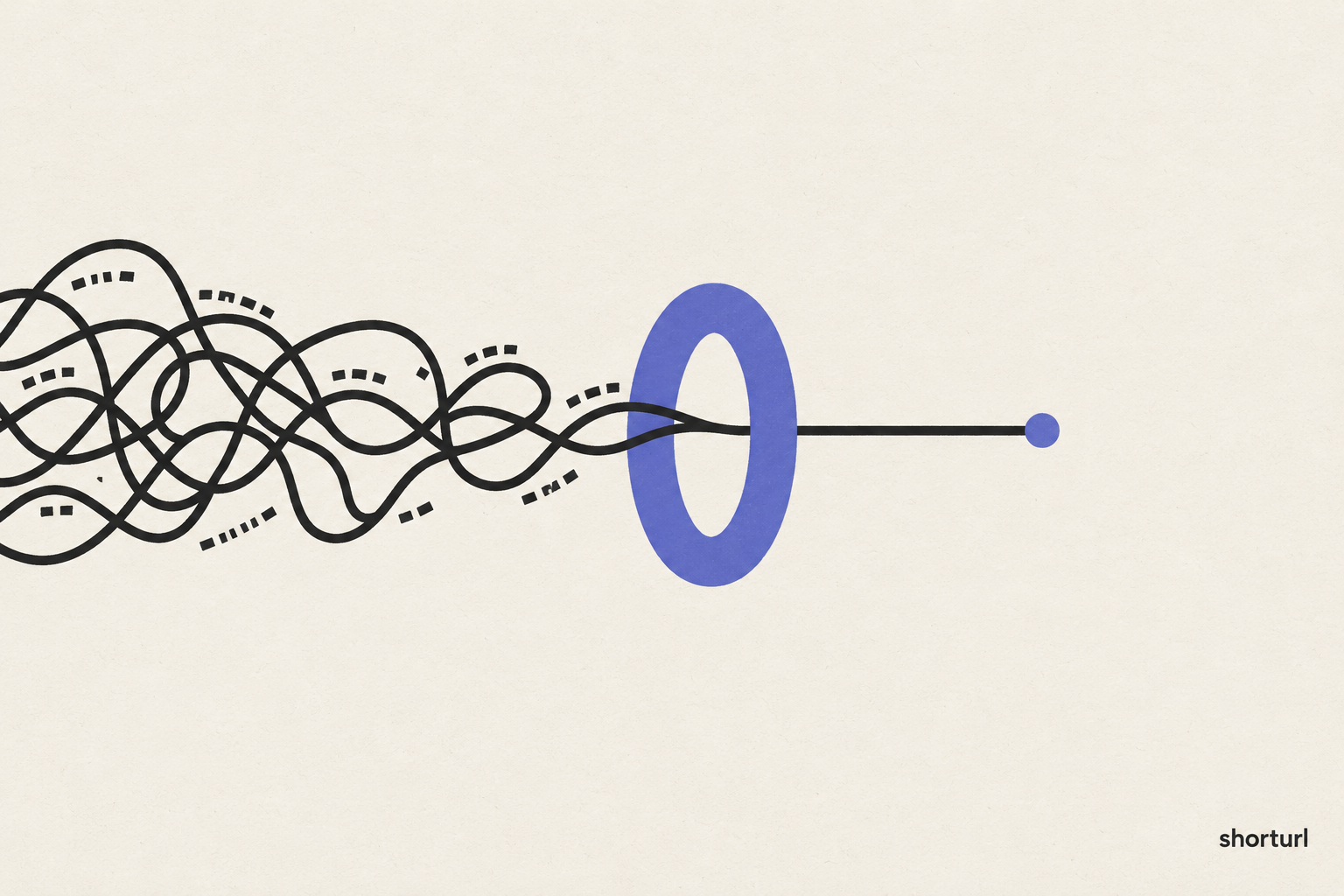
Your friend has to scroll sideways just to read it, half of it looks like gibberish, and if a single character gets cut off when you send it, the whole link breaks. This happens more often than people realize — modern websites build URLs (the addresses you see in your browser's address bar) with all sorts of extra information tacked onto the end, for reasons that make sense to the website but mean nothing to the person you're sending it to.
shorturl exists to solve exactly this problem, and then go a bit further once you see how useful it is.
What a URL shortener actually does
At its simplest, a URL shortener takes any long web address and gives you back a short one that leads to the exact same place. You paste the long link in, you get something like shorturl.com/xk29a out, and when anyone clicks that short link, they land on the original page — instantly, and without knowing or caring how long or messy the original address was.
That's the whole idea in its most basic form, and it's genuinely useful on its own. But once you have an account, a short link stops being just a shorter version of a long one and starts doing real work for you.
What you can do with it
Choose your own short link. Instead of a random string of letters and numbers, you can set your link to read something meaningful, like shorturl.com/summer-sale. A link like that is easier to remember, easier to say out loud, and looks far more trustworthy than a jumble of characters.
Use your own web address. If you run a business or a brand, you can connect your own domain name so your short links carry your name instead of ours — for example, go.yourbusiness.com/webinar instead of shorturl.com/webinar. This makes every link you share look like it belongs to you, because it does.
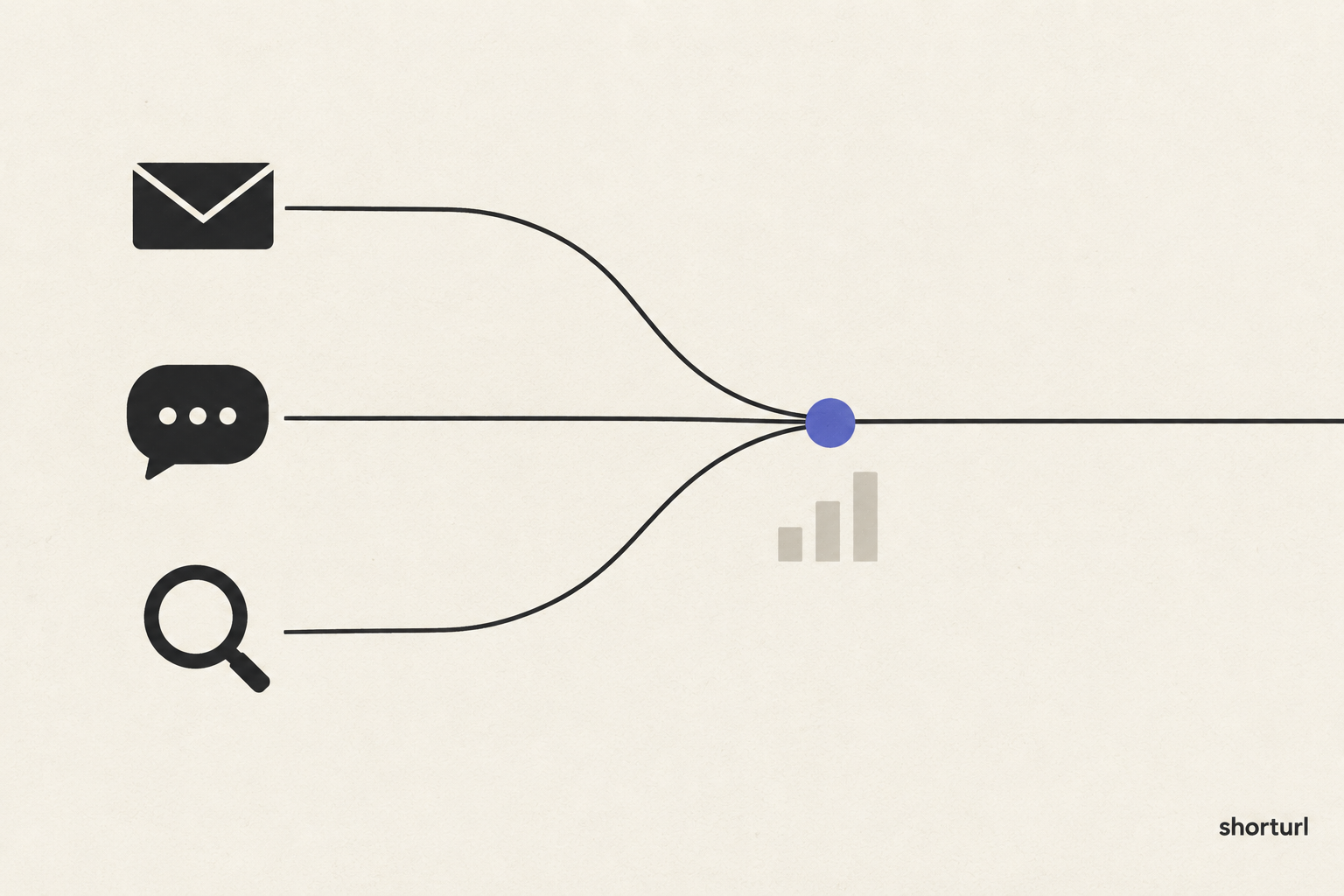
See who's clicking your links. Once someone clicks your short link, you can see how many people clicked it in total, roughly which country they clicked from, and what website or app sent them your way — whether that's an email, a social media post, or a search engine. Without this, you'd have no way of knowing whether the effort you put into sharing a link actually worked.
Turn any link into a scannable code. Every link you create can automatically become a QR code — the small square pattern that a phone camera can scan to open a link instantly. This is especially useful for anything printed on paper: flyers, posters, business cards, or even product packaging, where nobody wants to type out a long web address by hand.
Set a link to expire or change over time. You can tell a link to stop working, or to start sending people somewhere new, after a certain date. This is helpful for anything tied to a limited-time event — a sale that ends on a specific day, or a link that should point to "buy tickets" before an event and "watch the recording" after it.
Add campaign tracking without doing it by hand. If you've ever seen a web address with a string of extra text at the end starting with "utm," that's a website telling its own analytics tool where a visitor came from. Normally you'd have to build that extra text yourself, carefully, every single time. shorturl has a simple form for this, so you fill in a few plain-language fields and it builds the tracking text correctly for you.
Who actually benefits from this
If you're a small business owner handing out flyers, a marketer running email campaigns, someone building a following online, or simply a person who shares a lot of links and wants them to look clean and professional, these features solve real, everyday annoyances. Even something as small as a short, readable link in a text message makes what you're sharing feel a little more deliberate and trustworthy.
When you might not need all of this
To be fair, not everyone needs every feature listed above. If you're sending a single link to one friend and you'll never think about it again, a free, no-account short link does the job completely — there's no need to set up an account, choose a custom address, or track anything. shorturl's homepage lets you do exactly that: paste a link, get a short one back, no sign-up required, up to ten times a day. The extra features are there for when you start sharing links regularly enough that knowing what's working, and looking professional while you do it, starts to matter.
Getting started
You can try shorturl right now with no account at all — just paste a link on the homepage and see how it works. When you're ready for a custom address, your own domain, click tracking, or any of the other features above, creating an account starts at just $4 a month. Give it a try and see how much better your links can look.