What Is UTM Tracking, and Should You Be Using It?
If you've ever pasted a link into your browser and noticed a long string of odd text tacked onto the end — something like ?utm_source=newsletter&utm_medium=email — you've seen UTM tracking in action, even if nobody ever explained what it was doing.
What "UTM" actually stands for
UTM stands for Urchin Tracking Module. The name sounds unusual today, but it comes from a web analytics company called Urchin, which built this tracking method back in the early 2000s. Urchin was later bought by Google and became the foundation of Google Analytics, one of the most widely used tools for understanding website visitors — and the tracking method kept its original name even after the company that invented it disappeared.
You don't need to remember any of that history to use it. What matters is what it does today: it's a simple, standardized way of labeling a link so that whoever receives that click on the other end — usually a website's analytics tool — knows exactly where the visitor came from.
Why and when it's used
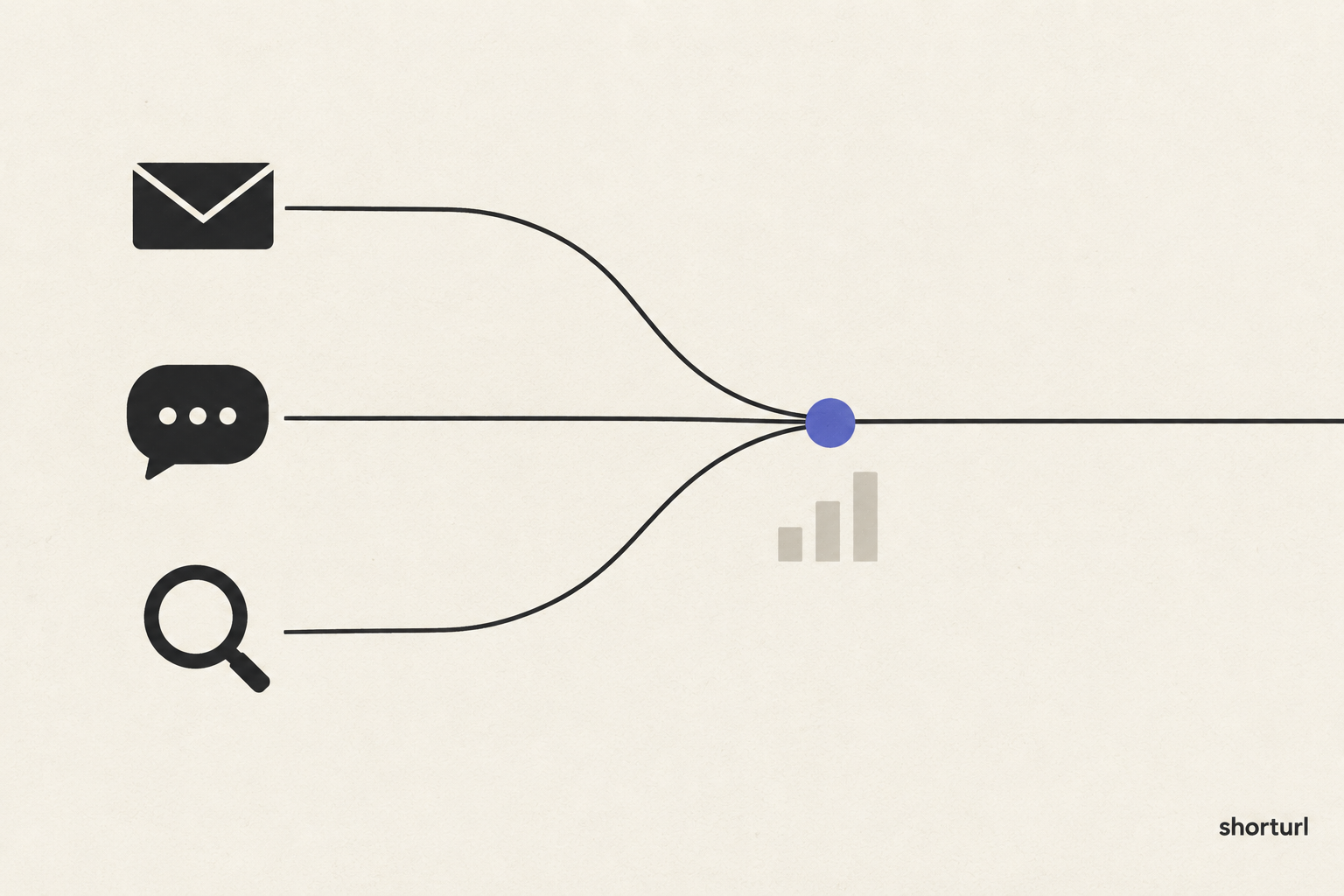
Imagine you're promoting the same product in three different places: an email newsletter, an Instagram post, and a Google ad. If all three simply link to your product page, and someone visits that page, your website has no way of knowing which of the three actually sent them there. All you'd see is "someone visited the page" — not which effort deserves the credit.
UTM tracking solves this by adding a few small labels to the end of your link before you share it. These labels don't change where the link goes; the visitor still ends up on the exact same page. They simply travel along with the click and get picked up by your analytics tool, which then sorts every visit into the correct bucket: "this many people came from the newsletter," "this many came from Instagram," and so on.
There are five labels in total, though you'll typically only use two or three at a time:
- Source — where the traffic came from, in plain terms, like "newsletter" or "instagram."
- Medium — the general type of channel, like "email" or "social media."
- Campaign — the name you've given this specific push, like "spring_sale" or "product_launch."
- Term — used less often, mainly for tracking specific search keywords in paid advertising.
- Content — used to tell apart two slightly different versions of the same link, such as two different buttons in the same email that both lead to the same place.
You'd typically add these labels any time you're sharing the same destination through more than one channel and you actually want to know which channel is worth your continued time and effort.
The benefits
The biggest benefit is simply not having to guess. Without this kind of tracking, most people fall back on assumptions — "I feel like social media brings in more visitors" — without any way to confirm it. With UTM labels in place, you get an actual, countable answer, which means you can stop spending time and effort on channels that aren't working and put more into the ones that are.
It also helps you compare like for like over time. If you run the same type of email campaign every month, consistent labeling lets you see whether a particular month performed better or worse than the last, instead of relying on a vague feeling that "this one seemed to do well."
The tradeoffs — when to use it, and when not to bother
UTM tracking is genuinely useful, but it's not something you need for every single link you ever share. If you're sending a one-off link to a single friend, or sharing something once with no intention of comparing it to anything else, adding tracking labels is unnecessary effort for information you'll never look at.
It's also worth knowing that these labels make a link visibly longer and messier — which is exactly why they're rarely shared as-is. Nobody wants to send a friend a link with three chunks of extra text glued onto the end. This is also where the extra length can look a little suspicious or spammy to someone unfamiliar with it, particularly in text messages or on social media, where people have learned to be cautious of unfamiliar-looking links.
The general rule is this: use UTM tracking whenever you're sharing the same destination in more than one place and you actually plan to compare results afterward. Skip it for casual, one-time, or personal sharing where there's nothing to compare.
How shorturl makes this easier
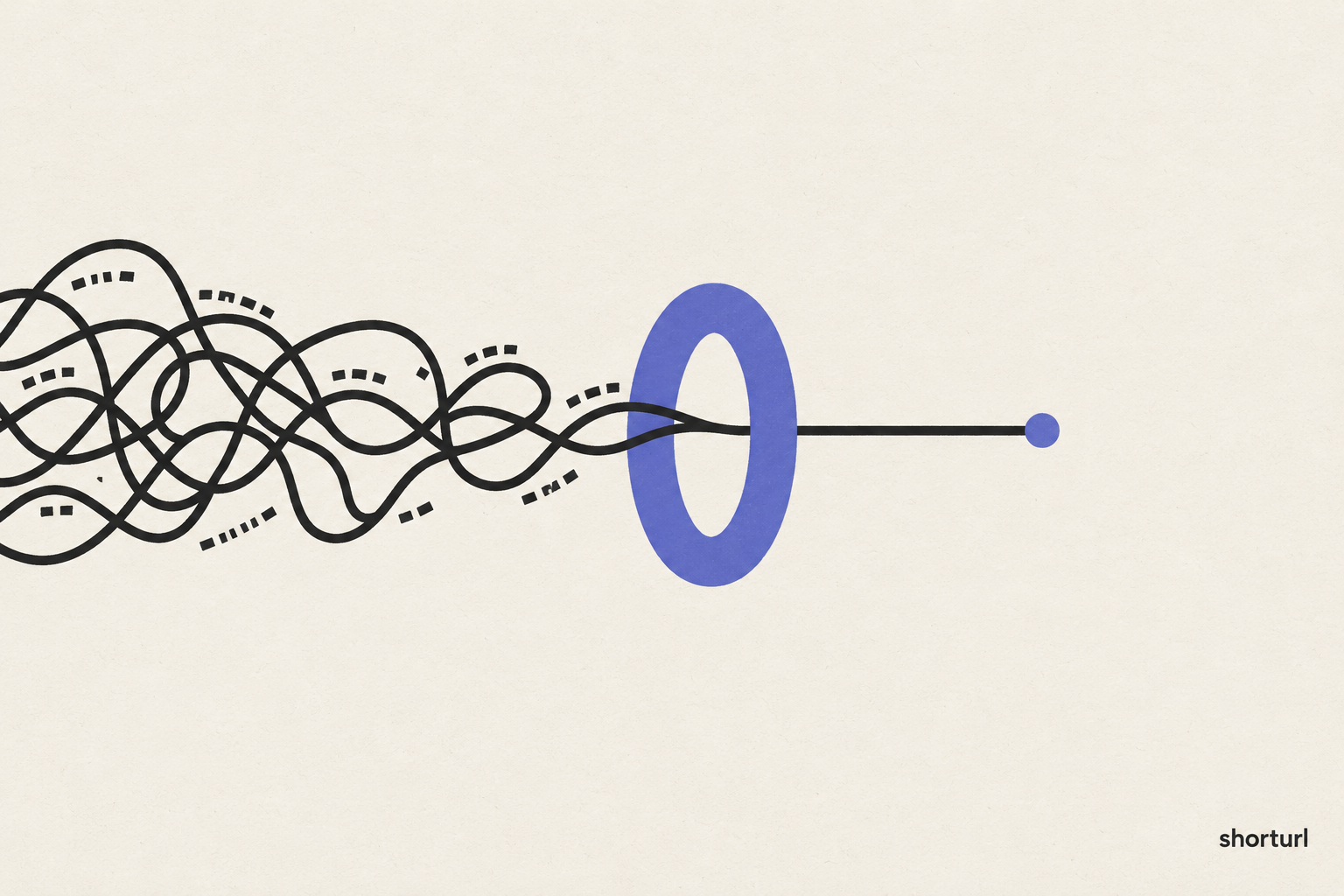
Normally, building a properly labeled link means carefully typing out each piece of tracking text by hand, in the exact right format, without making a typo — and doing this correctly, every time, for every campaign, gets tedious fast. It also produces exactly the kind of long, messy link that people are hesitant to click.
shorturl solves both problems at once. When you create a link, there's a simple section where you fill in plain-language fields — source, medium, campaign — instead of typing out tracking text by hand. shorturl builds the correctly formatted link behind the scenes, and then gives you back a short, clean address to actually share. Your analytics tool still receives all the same tracking information it would have gotten from the long version; the only difference is that the people you're sharing the link with never have to see it.
Try it yourself
If you've ever wanted to know which of your marketing efforts is actually working, this is the easiest way to start finding out. Create a shorturl account, try the UTM builder on your next campaign link, and see exactly where your clicks are coming from.